Cold Room and Freezer Monitoring for Food Processors
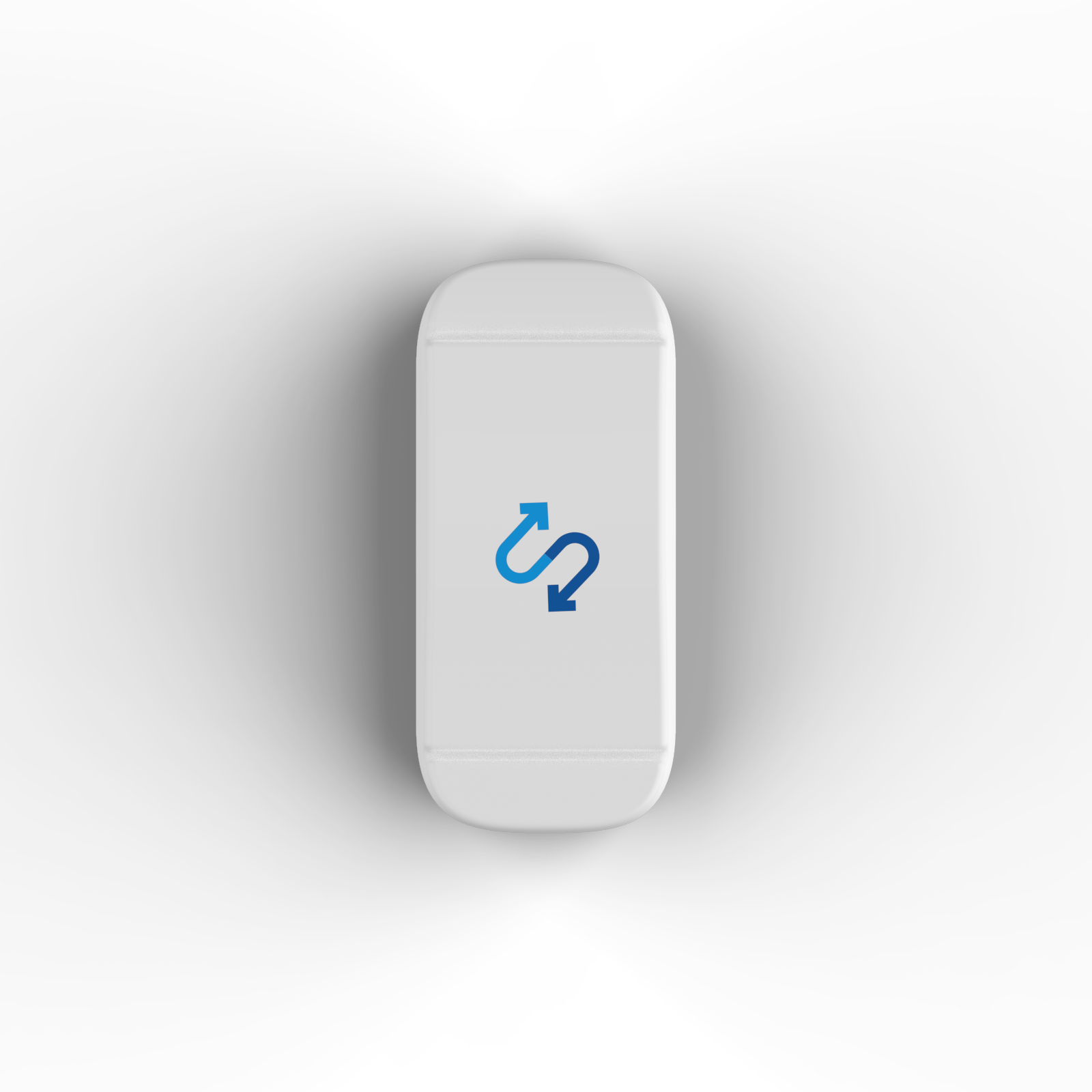
OperaSense watches your cold rooms, freezers and coolers with wireless sensors, alerts the right person when a temperature goes out of range, and keeps a time-stamped record of what happened.
It is built for plant managers, QA teams and operations leaders at food processing plants, cold-chain distributors and multi-site food operations who want fewer missed temperature problems and less time on paper logs.
Who Is OperaSense for in Food Processing?
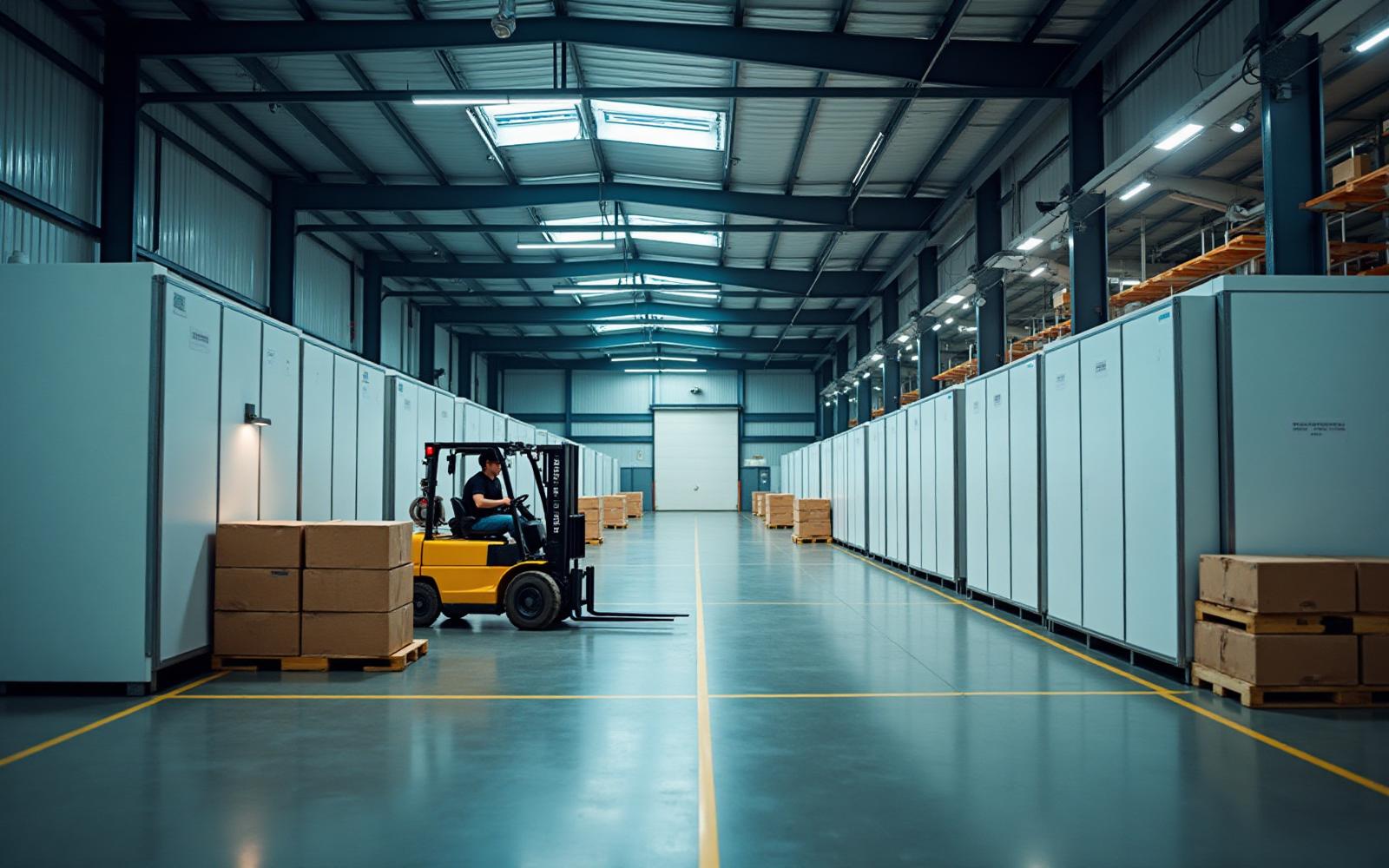
Teams that keep product cold between receiving, production, storage and dispatch, whether at one plant or across a network of facilities and distribution centres.
What Does OperaSense Do for Plant Teams?
Four things, without adding paperwork for shift staff:
Continuous temperature readings
Sensors record cold rooms, freezers and coolers every 15 minutes, between manual checks and overnight.
Alerts to the right person
When a reading leaves the range you set, the responsible person is alerted by email, text or app notification.
Time-stamped records
Readings and the actions your team records are kept together, so you can pull a report instead of collecting paper logs.
Every facility in one view
Plant, QA and operations leaders see the status of each site without phone calls or spreadsheets.
Why Do Temperature Problems Get Missed Between Checks?
Manual checks only show the temperature at the moment someone looks. A problem that starts after a check can go unnoticed until the next one.
Manual checks
- Temperatures are only checked when someone walks past
- A cold room can drift overnight or between shifts without anyone knowing
- Paper logs are slow to collect and hard to search before an audit
- Each plant or warehouse records things its own way
- Head office learns about problems after the fact
With OperaSense
- Readings are recorded automatically every 15 minutes
- The right person is alerted when a reading leaves its range
- If an alert is not handled, it escalates to the next person
- Records are stored centrally and can be searched by site and date
- Leaders see every facility in one place
What Can Your Team Do in OperaSense?
Monitor equipment, handle alerts, keep records and see every site.
Which cold room or freezer needs attention right now?
Plant, QA and operations leaders see the current status of monitored equipment across every facility, and can drill down to a single site or unit.
- One view of every facility
- Drill down by site or unit
- Current status at a glance
Who is told when a temperature goes out of range?
When a reading leaves the range you set, OperaSense alerts the person responsible. If the alert is not acknowledged, it escalates so the issue is not left waiting.
- Email, text and app notifications
- Escalation if an alert is not handled
- Recovery notice when readings return to range
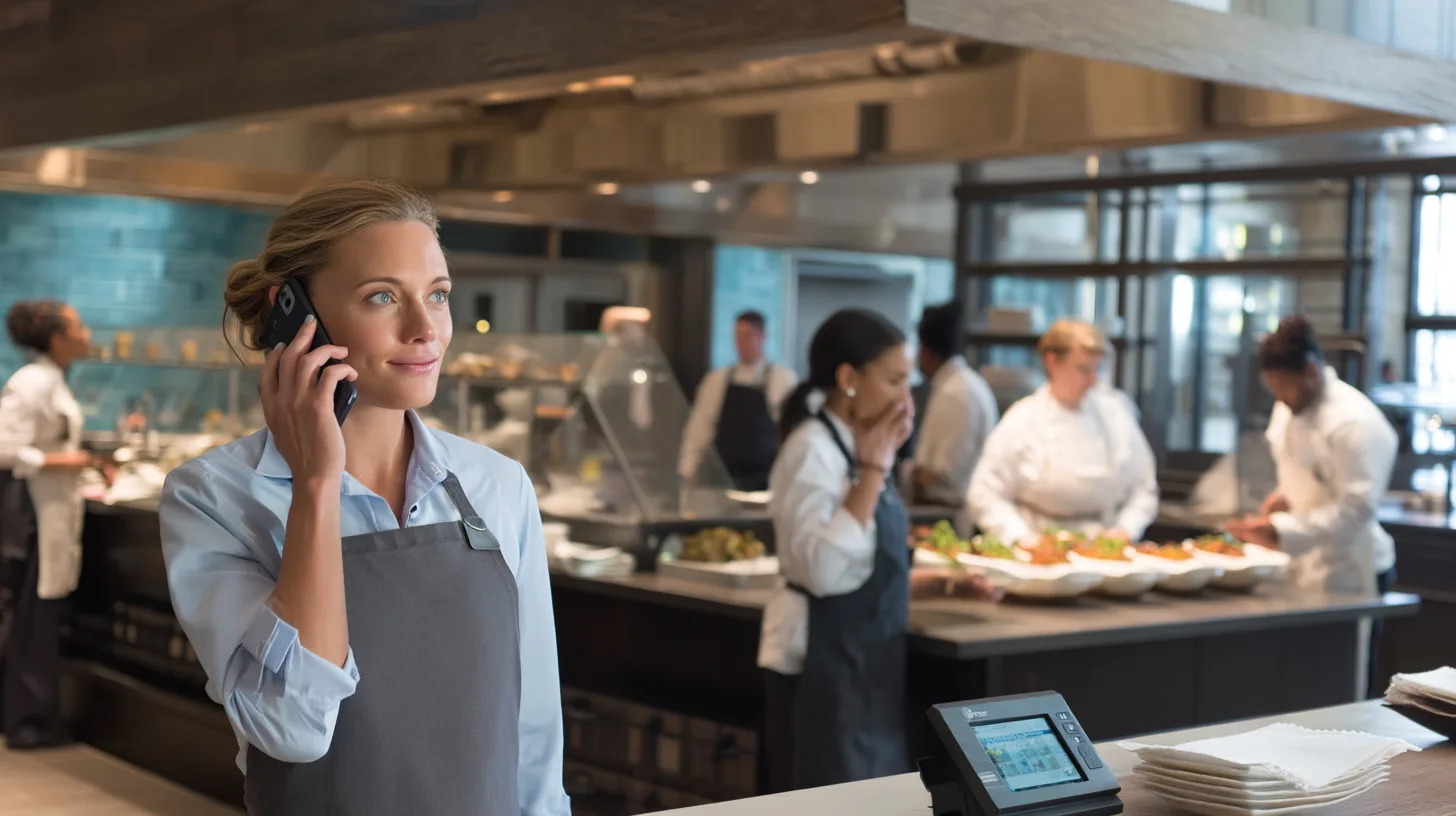
How do we find temperature records for an audit?
Temperature readings and corrective actions are stored centrally. Pull a report for a site, unit or date range instead of collecting binders from each facility.
- Automatic temperature records
- Reports by site, unit or date
- Consistent records across facilities
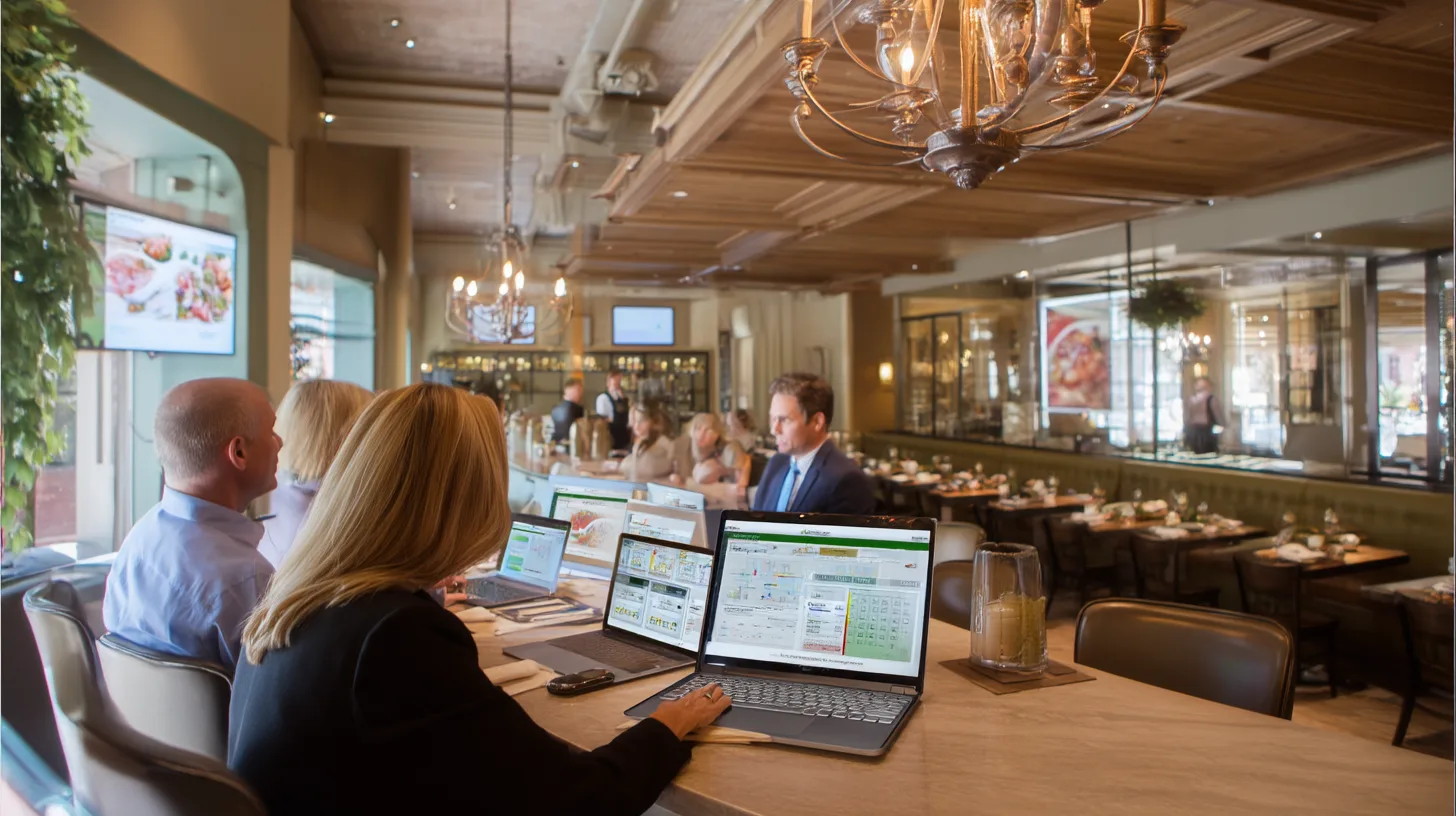
Can line supervisors and QA staff use it on the floor?
Alerts and records are available on a phone, so line supervisors, QA technicians and maintenance leads can respond without returning to an office.
- Works on a phone
- Clear alert details
- Actions recorded where the work happens
From Plant Floor to Head Office
Sensors, gateways, the OperaSense platform and your team, connected across every facility.
How Does OperaSense Work in a Food Plant?
Sensor → gateway → platform → alert → response.
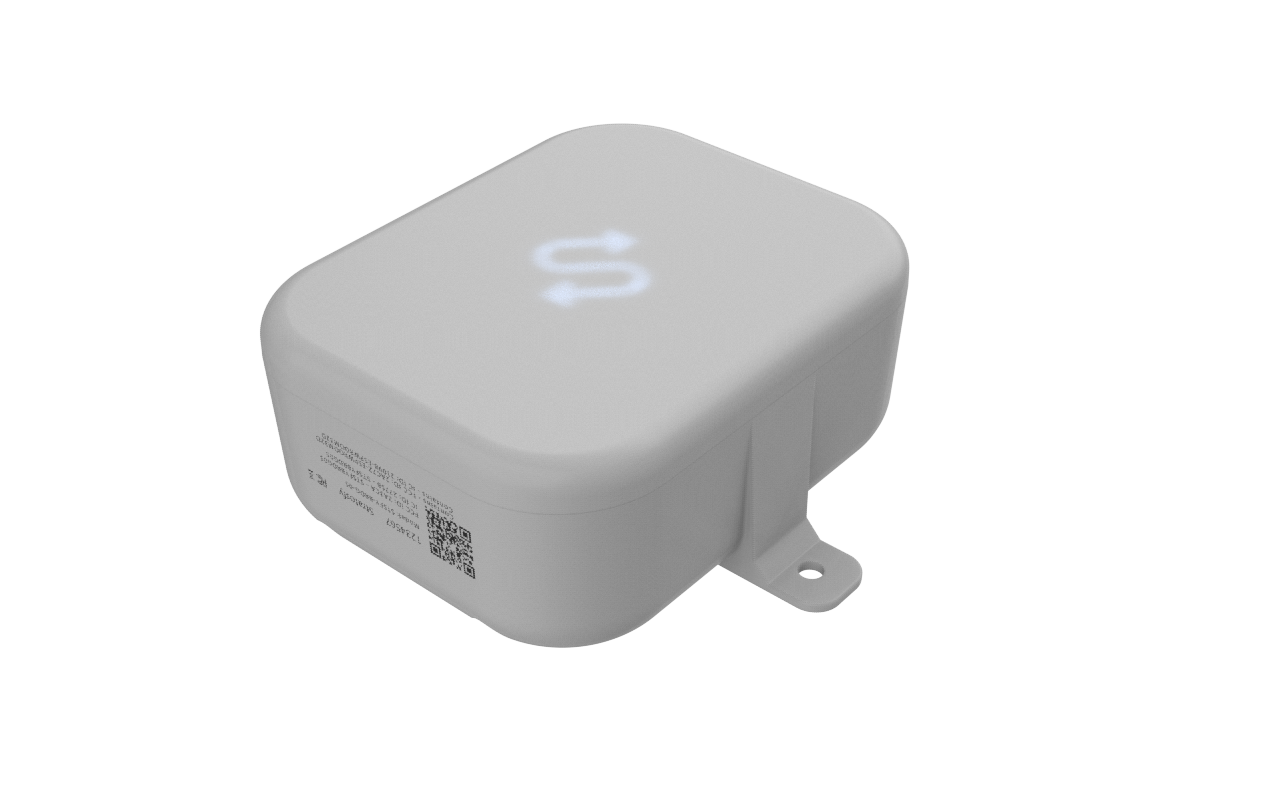
Wireless sensors in cold rooms, freezers and coolers record the temperature every 15 minutes.
A gateway at the facility collects the sensor readings and sends them securely to OperaSense over your network.
OperaSense stores each reading and compares it with the range you set for that unit.
If a reading leaves its range, the responsible person is alerted by email, text or app notification. Unhandled alerts escalate.
Staff check the unit, follow your procedures and record what they did, so the action sits next to the readings.
What Do Staff Do When an Alert Arrives?
OperaSense tells the right person. Your own procedures decide what happens to the product.
- 1Open the alert to see which unit, which facility and the current reading.
- 2Acknowledge it so others know someone is handling it.
- 3Check the unit: door, product load, the unit itself.
- 4Follow your own food-safety and product-hold procedures.
- 5Record what you did, then watch for readings to return to range.
Can We Monitor Several Plants and Warehouses?
Yes. Keeping temperature checks consistent gets harder with every site you add.
OperaSense gives corporate, QA and operations leaders one view of every facility, so they can see which site needs attention instead of chasing updates.
- One view of every plant, warehouse and cold room
- The same alert ranges and steps applied at each site
- Central records and reports across facilities
- Escalation so alerts are not missed at any site
- Less time chasing updates by phone
How Does OperaSense Help with Audits?
Move from binders and clipboards to searchable temperature records and corrective actions you can show an auditor.
- Paper temperature logs
- Clipboards on the floor
- Records collected by hand before an audit
- Corrective actions not written down
- Temperature readings recorded automatically
- Corrective actions stored with the readings
- Reports by site, unit or date
- The same record format at every facility
What Equipment Can OperaSense Monitor?
The refrigerated equipment your product depends on every shift.
Trusted by operators and frontline teams across restaurants, pharmacy, senior living, facilities, institutional environments, and food processing.














Logos represent organizations and operators who use Stratosfy. These are not official brand endorsements.
How Do We Get Started?
Start with a short demo and agree which facilities and equipment to monitor first.
Hardware Kit
Sensors and gateways for the equipment you choose to monitor.
Installation
Sensors are placed in each cold room, freezer or cooler, and the gateway connects to your network.
Training
We walk your plant, QA and maintenance teams through alerts and records.
Rollout
Start with one site or cold room and add more at your own pace.
Frequently Asked Questions
Practical answers for plant, QA, and operations leaders.