Hotel Kitchen Refrigeration Monitoring: Every Kitchen, One View.
OperaSense puts wireless sensors in your walk-ins, reach-ins, freezers and bar refrigeration, records their temperatures around the clock and alerts the right person when a unit moves outside its range.
It's for hotels, resorts, casinos, event venues and convention centres — used by kitchen and banquet staff, property engineering and regional operations teams.
Built to work alongside the maintenance, engineering and F&B teams you already have.
Built for the people responsible for keeping hospitality operations running
- Regional Operations
- Engineering
- Facilities
- F&B Operations
- Banquet Operations
- Property Operations
- Corporate Operations
Why Do Refrigeration Problems Get Missed Between Checks?
Your engineering and maintenance teams already know how to inspect, diagnose and repair refrigeration equipment. The challenge is visibility.
A technician may check a walk-in at 9:00 AM and find it operating normally. The same equipment may experience an abnormal temperature event at noon and recover before the next inspection.
Stratosfy continuously watches what happens between those checks.
Between Inspections
See refrigeration conditions continuously, not only when someone is standing in front of the equipment.
After Hours
Stay aware of temperature conditions overnight, between shifts and during lightly staffed periods.
Across Properties
Give regional operations and engineering teams visibility without calling each property individually.
Two Normal Checks. One Event Between Them.
9:00 AM
38°F
Normal technician check
11:15 AM
Temperature begins rising
12:30 PM
45°F
Temperature excursion
1:30 PM
Equipment recovers
2:00 PM
39°F
Normal technician check
Both physical checks looked normal. But the equipment experienced an event between them.
Continuous monitoring preserves the operating history so teams can understand what happened — even when the equipment appears normal by the time someone checks it.
See How Continuous Monitoring WorksWhat Continuous Monitoring Changes
Protect Food Inventory
Catch temperature excursions earlier and reduce the risk of discovering problems only after valuable inventory has already been exposed.
Support Maintenance Teams
Give technicians continuous visibility and historical context around refrigeration conditions.
Strengthen Food-Safety Operations
Maintain continuous temperature records that complement existing food-safety procedures and physical checks.
See Across Every Property
Give authorized regional and corporate teams centralized visibility into refrigeration across multiple kitchens and locations.
Give Your Maintenance Team Another Set of Eyes.
Stratosfy isn't here to replace your technicians. Your engineering and maintenance teams are the people who investigate problems, diagnose equipment and make repairs.
Stratosfy helps them know what happened when they weren't looking — so they can see more than the current temperature when refrigeration conditions change.
Earlier Awareness
Know when refrigeration conditions move outside expected operating ranges.
Operating History
See what happened before the technician arrived.
Intermittent Issue Context
Understand temperature events that may disappear before physical inspection.
Better Prioritization
Help engineering teams identify which refrigeration assets may deserve attention first.
“The goal isn't fewer technicians. It's better information for the technicians you already have.”
Refrigeration Doesn't Stop When the Kitchen Closes.
Equipment keeps running long after service ends. Continuous monitoring keeps an eye on refrigeration behaviour during the hours when fewer people are around to notice an unusual operating condition.
- Overnight, long after the last inspection
- During shift changes and handovers
- Through lightly staffed periods
- After kitchens close for the night
- While maintenance personnel are focused elsewhere
One Refrigeration System. Different Questions Across Your Organization.
Property Engineering
“What happened before I got here?”
- Current temperature
- Event history
- Duration
- Recovery behaviour
- Recurring patterns
F&B & Banquet Operations
“Was our food inventory exposed?”
- Continuous temperature records
- Excursions
- Duration
- Alerts
- Operational records
Regional Operations
“Which properties need attention?”
- Portfolio dashboard
- Property status
- Exceptions
- Unresolved issues
- Cross-property visibility
Corporate / Executive Leadership
“Are we operating consistently across the portfolio?”
- Standardized monitoring
- Portfolio visibility
- Operational trends
- Property comparison
- Risk prioritization
One Platform Across Your Hospitality Operations
Hotels & Multi-Property Groups
Maintain visibility across kitchens throughout a distributed hotel portfolio.
- Restaurants
- Breakfast kitchens
- Bars
- Banquet kitchens
- Catering
- Walk-ins
- Reach-ins
- Freezers
Resorts
Monitor refrigeration across restaurants, bars, banquet kitchens and other F&B operations.
- Multiple restaurants
- Pool & beach F&B
- Banquet kitchens
- Event catering
- Bars
- Room-service kitchens
- Cold storage
Casinos & Casino Resorts
Bring continuous monitoring to complex, high-volume, 24/7 food and beverage environments.
- 24/7 food operations
- Multiple restaurants
- Food halls
- Buffets where applicable
- Banquet & event operations
- Bars
- High-volume cold storage
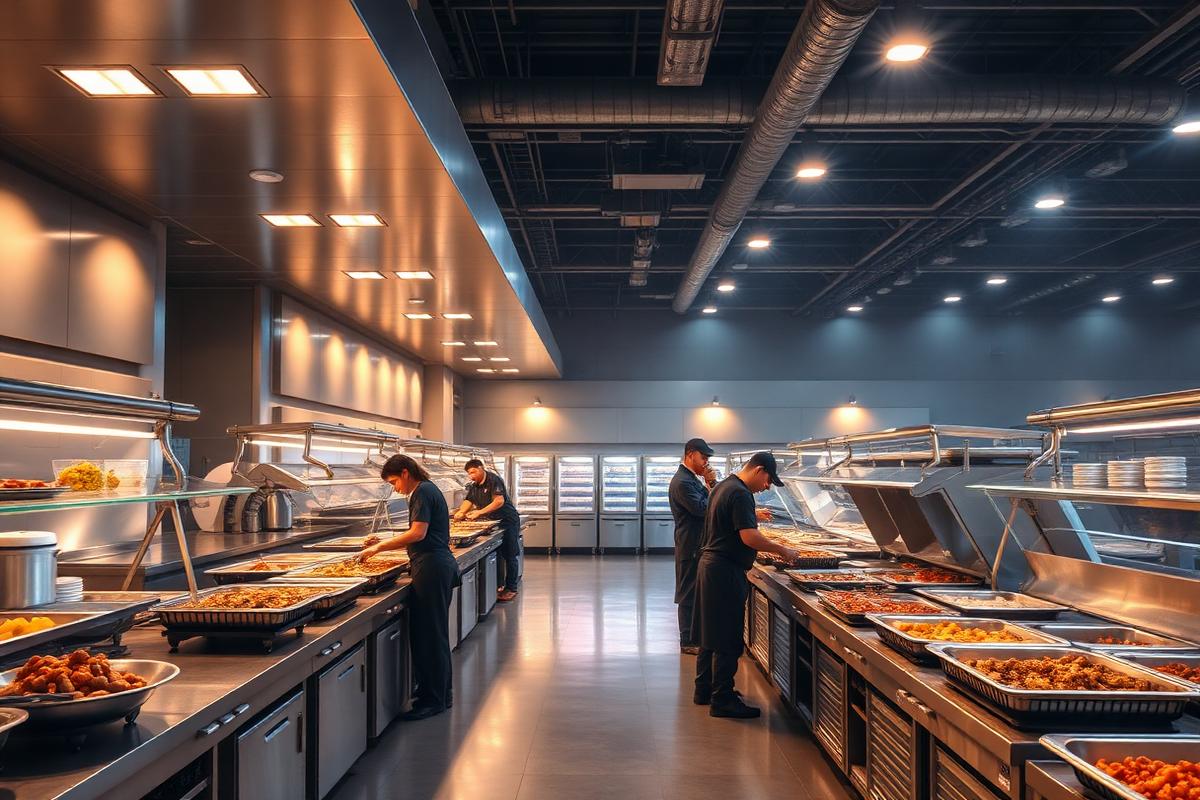
Event & Entertainment Venues
Protect refrigeration supporting events, catering, concessions and high-volume food operations.
- Catering kitchens
- Concessions
- Event food preparation
- Cold storage
- Temporary high-volume inventory
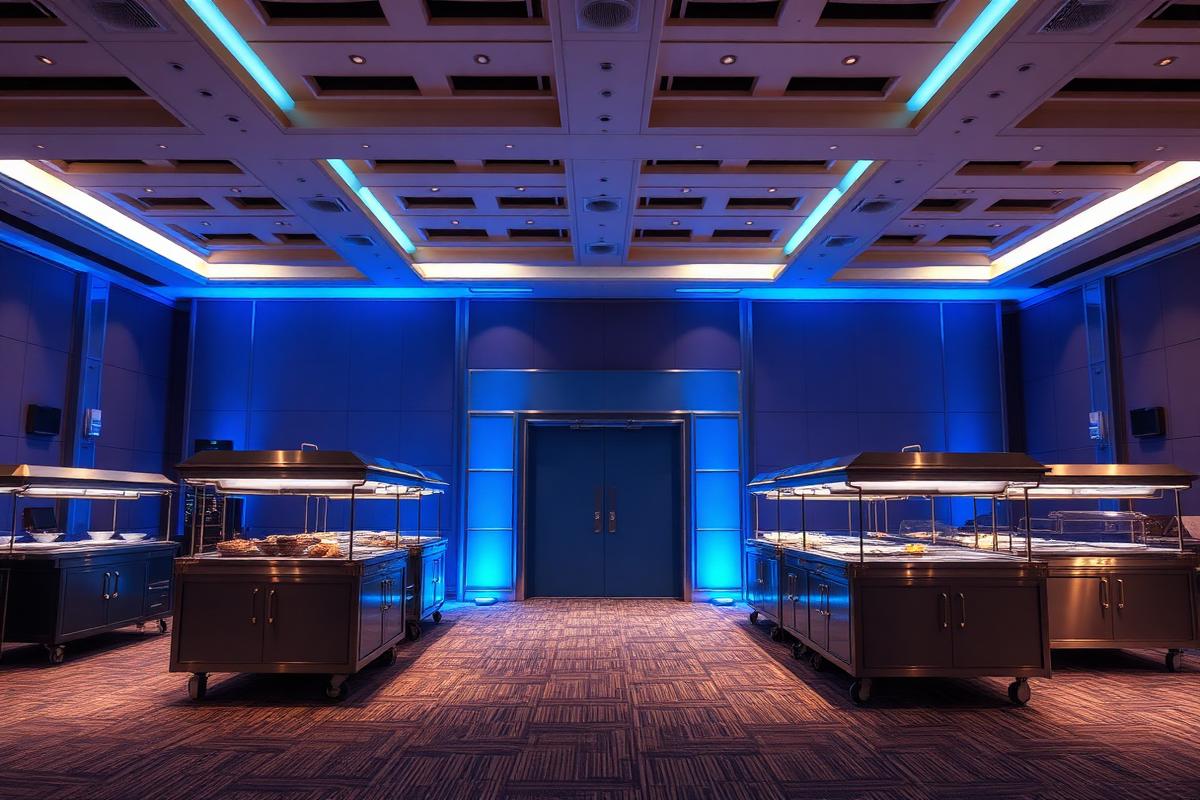
Convention Centres
Maintain visibility into refrigeration supporting banquet and large-scale food-service operations.
- Banquet kitchens
- Large-scale catering
- Event preparation
- Cold storage
- Multiple service areas
One Property Can Contain Dozens of Critical Refrigeration Assets.
For large hospitality properties, refrigeration risk isn't limited to one walk-in. Food and beverage operations may span multiple kitchens, restaurants, banquet facilities, bars and storage areas. Stratosfy brings those refrigeration environments into one operational view.
- Main Kitchen
- Banquet Kitchen
- Restaurant 1
- Restaurant 2
- Bar
- Catering
- Room Service
- Walk-In Cooler
- Walk-In Freezer
- Reach-In Refrigerators
- Prep Coolers
- Beverage Refrigeration
Illustrative example of a large hospitality property — not every property contains all of these areas.
From One Kitchen to Every Property
Property teams need to know what is happening in their kitchen. Regional leaders need to know what is happening everywhere. A physical check shows what's happening now; continuous monitoring shows what happened between checks.
Portfolio
Property 01
- Walk-in cooler
- Walk-in freezer
- Reach-in refrigerator
- Prep refrigerator
Property 02
- Walk-in cooler
- Freezer
- Bar refrigeration
- Banquet kitchen
Property 03
- Main kitchen
- Restaurant
- Banquet kitchen
- Additional refrigeration
OperaSense by Stratosfy
Refrigeration conditions from every kitchen, continuously captured in one place.
Regional / Corporate Visibility
Which properties are operating normally
Which equipment needs attention
Where active temperature incidents exist
What happened historically
How Does OperaSense Work in a Hospitality Kitchen?
Sensor → gateway → platform → alert → response. Your teams keep their physical checks.
Sensor
A wireless sensor in each walk-in, reach-in, freezer or bar fridge records its temperature around the clock.
Gateway
A gateway at the property collects the sensor readings and sends them to OperaSense over the property's network.
Platform
OperaSense compares each reading with the range set for that unit and keeps the temperature history for every unit and property.
Alert
When a unit moves outside its range, the people responsible for that kitchen are notified by app notification, SMS or email.
Response
Kitchen staff check the unit and act. Engineering uses the history to diagnose. If nobody acknowledges, the alert escalates.
What Do Staff Do When an Alert Arrives?
An alert tells the right person which unit needs attention. The response stays with your property team and follows your own food-safety procedures.
- 1
Open the alert to see which unit, which kitchen and how far the temperature has moved.
- 2
Check the unit in person: door left open, blocked airflow, recent delivery or a defrost cycle.
- 3
Act: close the door, move food to another unit if needed and follow your food-safety procedure.
- 4
Acknowledge the alert and add a note, so the next shift and engineering can see what was done.
- 5
Call engineering if the unit doesn't recover. The technician sees the temperature history before arriving.
Temperature Tells You What's Happening Now. Operational Memory Tells You What Happened Before.
OperaSense continuously captures refrigeration signals and preserves operational history so teams can move beyond isolated readings toward understanding equipment behaviour over time.
Sense
What's happening now?
Remember
What happened before?
Understand
Is something changing?
Improve
Where should teams focus attention?
Over time, refrigeration data becomes operational memory — creating the foundation for identifying patterns such as recurring excursions, unusual temperature behaviour, cooling delays and changing equipment performance.
One Technician Can Know Their Property. Who Sees the Entire Portfolio?
Property maintenance teams understand their own buildings. But organizations operating dozens or hundreds of hotels, resorts, casinos or venues face a different challenge: how does regional leadership know which kitchens and refrigeration assets need attention across the portfolio?
Without centralized visibility, operational information often remains within individual properties. Stratosfy creates a common refrigeration visibility layer across locations.
Property team
Sees and responds to equipment locally.
OperaSense by Stratosfy
Creates continuous visibility and operational history.
Regional / corporate team
Sees where attention may be required across the portfolio.
“Property teams know their equipment. Regional teams see the portfolio.”
- Regional VP Operations
- Regional Engineering
- Food & Beverage leadership
- Facilities leadership
- Corporate Operations
Portfolio overview
24
Properties
122
Refrigeration units
118
Normal
3
Attention
1
Critical
- Downtown Hotel8 units normal
- Harbour Resort11 units normal
- Casino Resort North1 unit needs attention
- Convention Centre East1 active incident
- Airport Hotel5 units normal
- Lakeside Venue1 unit needs attention
Example view for illustration only — not actual customer data.
Property Teams Know Their Equipment. Regional Teams See the Portfolio.
Property teams can know their equipment extremely well. The challenge changes when operations leaders are responsible for 10, 50 or 200 properties. Stratosfy gives regional and corporate teams a common operational view across locations while allowing property teams to continue managing their equipment locally.
- Portfolio
- Region
- Property
- Kitchen / F&B outlet
- Refrigeration equipment
Example portfolio status
Illustrative data47
Properties normal
3
Need attention
2
Active refrigeration events
1
Repeated instability pattern
Illustrative example only — not actual customer data.
Know What Happened — Not Just What's Happening.
When an incident occurs, teams shouldn't have to reconstruct the story from memory. Stratosfy maintains the temperature history surrounding refrigeration events, helping teams understand when conditions changed, how long they persisted, and how equipment recovered.
- Normal
- Temperature rise
- Alert
- Team response
- Recovery
- Normal
Each event becomes part of the OperaSense operational memory behind your refrigeration equipment.
What If Everything Looks Normal When the Technician Arrives?
Some refrigeration issues may not remain continuously visible. A unit can experience a temperature excursion and later recover before someone physically inspects it.
The current temperature tells the technician what is happening now. Operational history provides context about what happened before.
“Know what happened — not just what the equipment is doing when someone looks at it.”
The technician sees
39°F Normal
The operating history shows
- Normal
- Temperature rise
- Excursion
- Recovery
- Normal
No Rip-and-Replace Operating Model.
Stratosfy adds continuous visibility to the people and processes already responsible for your operation. It is designed to support existing engineering, maintenance, F&B and operations teams — not replace them.
- Step 1
Stratosfy monitors
Refrigeration conditions are captured continuously.
- Step 2
Property team responds
On-site teams act on what needs attention.
- Step 3
Engineering investigates
Technicians diagnose and repair, with operating history for context.
- Step 4
Regional operations sees the bigger picture
Leaders compare properties and prioritize across the portfolio.
Turn refrigeration issues into maintenance action.
Knowing that refrigeration needs attention is only useful if the right people can act on it.
OperaSense helps identify refrigeration issues and provides the equipment history and operational context behind them. Through REST API integration capabilities, that information can be connected with existing maintenance, work-order and property operations systems.
This allows refrigeration issues to become part of the workflows property teams already use — without introducing another maintenance process.
Refrigeration
Condition changes
OperaSense
Detects • Records • Provides Context
Existing Workflow
Maintenance Request / Work Order
Property Team
Investigates • Responds • Resolves
OperaSense sits between the physical equipment and the operational workflow — the intelligence layer that helps turn a condition change into action.
Your teams keep working in the systems they already use. OperaSense provides the refrigeration intelligence that helps inform the response.
OperaSense provides REST API integration capabilities, allowing refrigeration data, equipment context and operational intelligence to connect with existing maintenance, work-order, facilities and enterprise applications.
Maintenance & Work Orders
Connect refrigeration events and equipment context with established maintenance workflows.
Property & Facilities Systems
Bring refrigeration intelligence into the operational systems already used by property teams.
Enterprise & Multi-Property Systems
Make OperaSense data available to broader regional and corporate technology environments through REST APIs.
Start With a Few Representative Properties.
You don't need to change the way your entire portfolio operates on day one. Start with a small group of representative properties or refrigeration environments. See how continuous visibility fits your engineering, F&B and operations workflows — then decide where it makes sense to expand.
Operating a single resort, casino, convention centre or large event venue? Start with a few critical refrigeration areas instead — the same approach applies within one property.
- 3–5 properties
- Validate
- Regional expansion
- Portfolio deployment
Hospitality Refrigeration Monitoring FAQ
We already have maintenance technicians at every property. Why do we need continuous monitoring?
Your technicians are essential for inspecting, diagnosing and repairing equipment. Continuous monitoring complements them by providing visibility between physical inspections, during other maintenance priorities and after hours. It also preserves operating history that can help teams understand intermittent or recurring refrigeration events.
We already have a Building Management System. Is Stratosfy replacing it?
No. Building management systems often serve broader building infrastructure such as HVAC, lighting and central plant equipment. Stratosfy is focused on giving operations teams continuous visibility and operational history around the refrigeration environments they choose to monitor. Where appropriate, it can complement existing building and maintenance systems.
Does Stratosfy replace manual food-safety checks?
No. Stratosfy complements existing food-safety procedures and any required manual processes by providing continuous digital refrigeration visibility and historical records between those checks.
Do we need to deploy across every property?
No. Multi-property operators can begin with a small group of representative properties, validate the operational value, and expand based on their needs.
Who typically uses Stratosfy?
Property engineering and maintenance teams, F&B and banquet operations, regional operations, facilities leaders and corporate teams. Each sees the information relevant to their responsibilities.
What does Stratosfy monitor in hospitality kitchens?
Temperature in walk-in coolers, walk-in freezers, reach-in refrigerators, prep refrigerators, bar refrigeration and banquet kitchen equipment across hotels, resorts, casinos, event venues and convention centres.
How does it work, from sensor to alert?
A wireless sensor in each unit records its temperature. A gateway at the property sends the readings to OperaSense, which compares them with the range set for that unit and keeps the history. If a unit moves outside its range, the responsible people are notified, and the alert escalates if nobody acknowledges it.
What should staff do when an alert arrives?
Open the alert to see which unit needs attention, check it in person, take action under your food-safety procedure, then acknowledge the alert with a note. If the unit doesn't recover, engineering can review the temperature history before arriving.
How do multi-property hospitality groups benefit?
Authorized regional and corporate teams see which properties are operating normally, which equipment needs attention and where temperature events are active, without calling each property.
Can OperaSense connect to our maintenance, work-order or hotel systems?
OperaSense provides REST API capabilities for connecting refrigeration events and equipment context with existing maintenance, work-order, facilities and enterprise applications. Your teams keep their established workflows. Integration requirements are evaluated based on the systems you already use.