Refrigeration Monitoring for Schools and Campus Dining
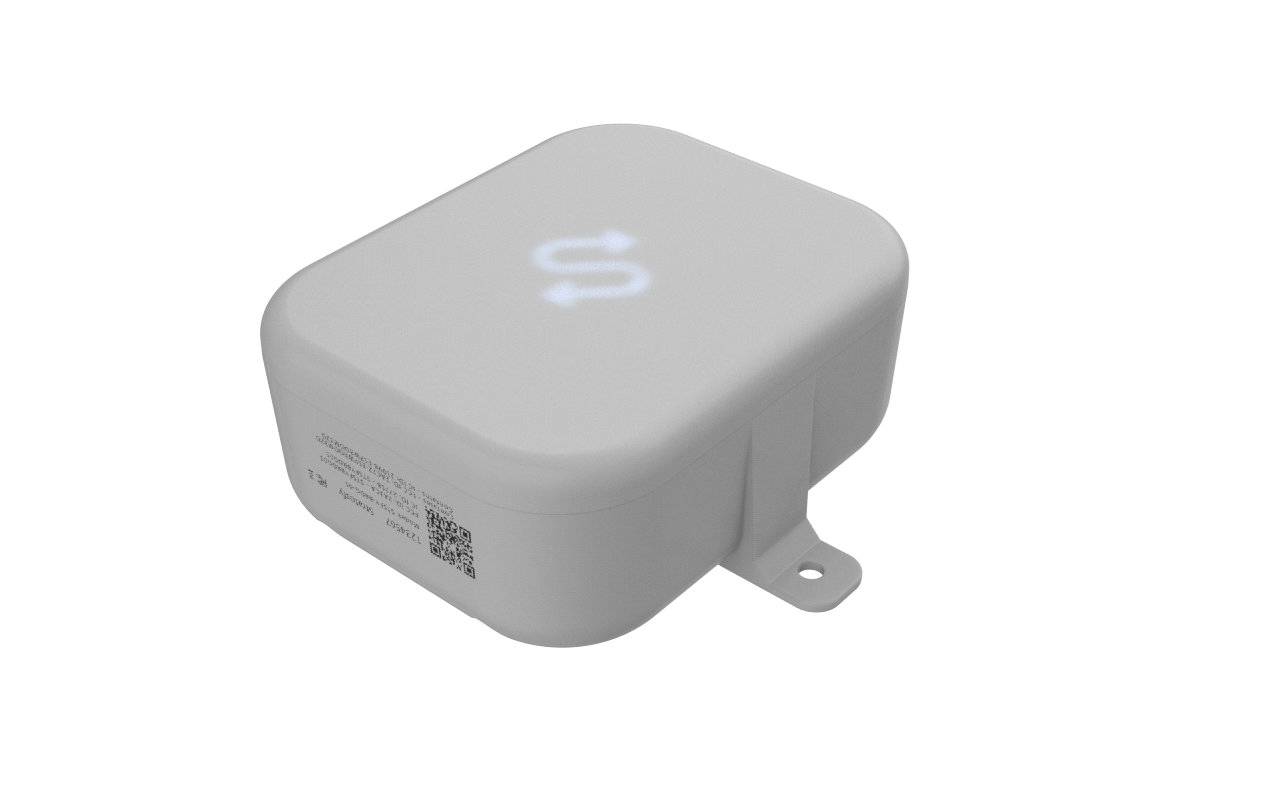
OperaSense is Stratosfy’s refrigeration monitoring platform for school kitchens and campus dining teams. Sensors measure cooler and freezer temperatures, a gateway sends readings to the platform, and alerts tell the responsible team when a unit needs attention.
Foodservice directors, kitchen managers and contract dining operators can review readings and alerts across schools or dining halls. Staff still check equipment, make food-safety decisions and follow their own procedures.
Who is OperaSense for in education?
For teams responsible for refrigeration in school districts, colleges, universities and central kitchens — whether they manage their own dining program or run it under contract.
What can your kitchen teams see in OperaSense?
See readings, identify temperature issues and review alert history across monitored kitchens. Each team can use the same information when investigating a unit or handing over to the next shift.
Temperature Alerts
Know which cooler or freezer needs a staff check when its temperature moves outside the configured range.
Digital Temperature Records
Review recorded readings instead of collecting temperature logs from separate kitchens.
Issue Follow-Up
See the alert and its history so the next shift knows what needs attention.
District-Wide Visibility
Review refrigeration status across schools and dining halls from one platform.
Why do temperature problems get missed between checks?
A handwritten reading shows the temperature at the time of the check. It does not show what happened before the next visit. When records stay in separate kitchens, managers also have to collect them before they can review an issue.
With manual checks alone
- Temperature changes between scheduled checks
- Handwritten readings kept in separate kitchens
- A problem noticed only when someone visits the unit
- Unclear handover when an issue continues into the next shift
- Time spent collecting records for a review
With OperaSense
- Sensor readings collected automatically
- Digital temperature history for each monitored unit
- Alerts when readings move outside configured ranges
- An alert history staff and managers can review
- One place to review refrigeration across sites
What do staff do when an alert arrives?
Use the alert to find the issue, then follow your kitchen's procedures. Monitoring does not replace a staff check or a food-safety decision.
1. Open the alert
Identify the school or dining hall, the affected unit and the temperature reading.
2. Check the unit
Visit the equipment and check its current condition. A temperature alert is a prompt to investigate, not a diagnosis.
3. Follow your procedures
Use your food-safety procedures to decide what to do with the food and whether maintenance or a manager is needed.
4. Record the action
Document what you checked, what you did and who needs to follow up using your team's required records.
5. Review and hand over
Check subsequent readings and tell the next shift about any unresolved issue. Managers can review the alert history.
How does OperaSense monitor, detect and alert?
Temperature readings, alerts and records help kitchen staff and foodservice leaders follow the same issue from the unit to the district view.
Which kitchen or cooler needs attention?
OperaSense monitors refrigeration across your sites, detects readings outside configured ranges and alerts the responsible team. Foodservice directors can review a site or unit without collecting separate updates from each kitchen.
- District-wide dashboard
- Review by school or dining hall
- See individual unit status

How does a kitchen manager know there is a problem?
OperaSense monitors sensor readings, detects temperature excursions and alerts the responsible people. Staff can open the alert, identify the unit and check what is happening in the kitchen.
- Identify the affected unit
- Review the temperature issue
- Check the equipment and follow your procedures

Where can we find the readings for a review?
OperaSense monitors temperatures, detects out-of-range readings and keeps the associated alert history alongside digital records. Review readings for the kitchen or unit you need; your team remains responsible for its food-safety documentation.
- Digital temperature history
- Review records by site
- Keep your required food-safety procedures

What can staff check from their phone?
OperaSense monitors refrigeration status, detects temperature issues and alerts the team responsible for responding. Kitchen managers and dining staff can check the affected unit and its readings through the mobile experience.
- Mobile access to unit status
- Review readings and alerts
- Keep managers informed during follow-up

How are kitchens connected to the district view?
From kitchen floor to district dashboard — one connected platform across every school and dining hall.

How does OperaSense work in a school kitchen?
Sensor → Gateway → Platform → Alert → Response: readings reach the platform, and the responsible team investigates when attention is needed.
A sensor measures temperature inside the monitored cooler or freezer.
The gateway receives sensor readings and sends them to OperaSense through the site's network connection.
OperaSense records readings and checks them against the configured temperature range for each unit.
An out-of-range reading triggers an alert so the responsible team knows which unit needs attention.
Staff check the unit, follow the school's or campus's food-safety procedures and record their actions.
How do directors oversee multiple kitchens?
A foodservice director may be responsible for refrigeration in several buildings while kitchen managers respond locally. Both need to know which unit has a problem and whether it still needs attention.
OperaSense gives foodservice directors and campus leaders a single view of every kitchen — so they can act on what matters instead of chasing site-by-site updates.
- Review refrigeration across the district or campus
- Identify the school and unit behind an alert
- Check readings without collecting separate paper logs
- Review temperature and alert history by site
- Keep kitchen teams and foodservice leaders informed
How do digital readings help with record reviews?
Review recorded temperatures and alert history for the relevant kitchen or unit. These records support your review; they do not replace your required food-safety checks or guarantee an inspection outcome.
- Readings in separate paper logs
- Records collected from each kitchen
- Gaps between scheduled readings
- Follow-up notes kept separately
- Automated digital records
- Temperature history by monitored unit
- Searchable historical reports
- Consistent documentation across sites
What refrigeration equipment can be monitored?
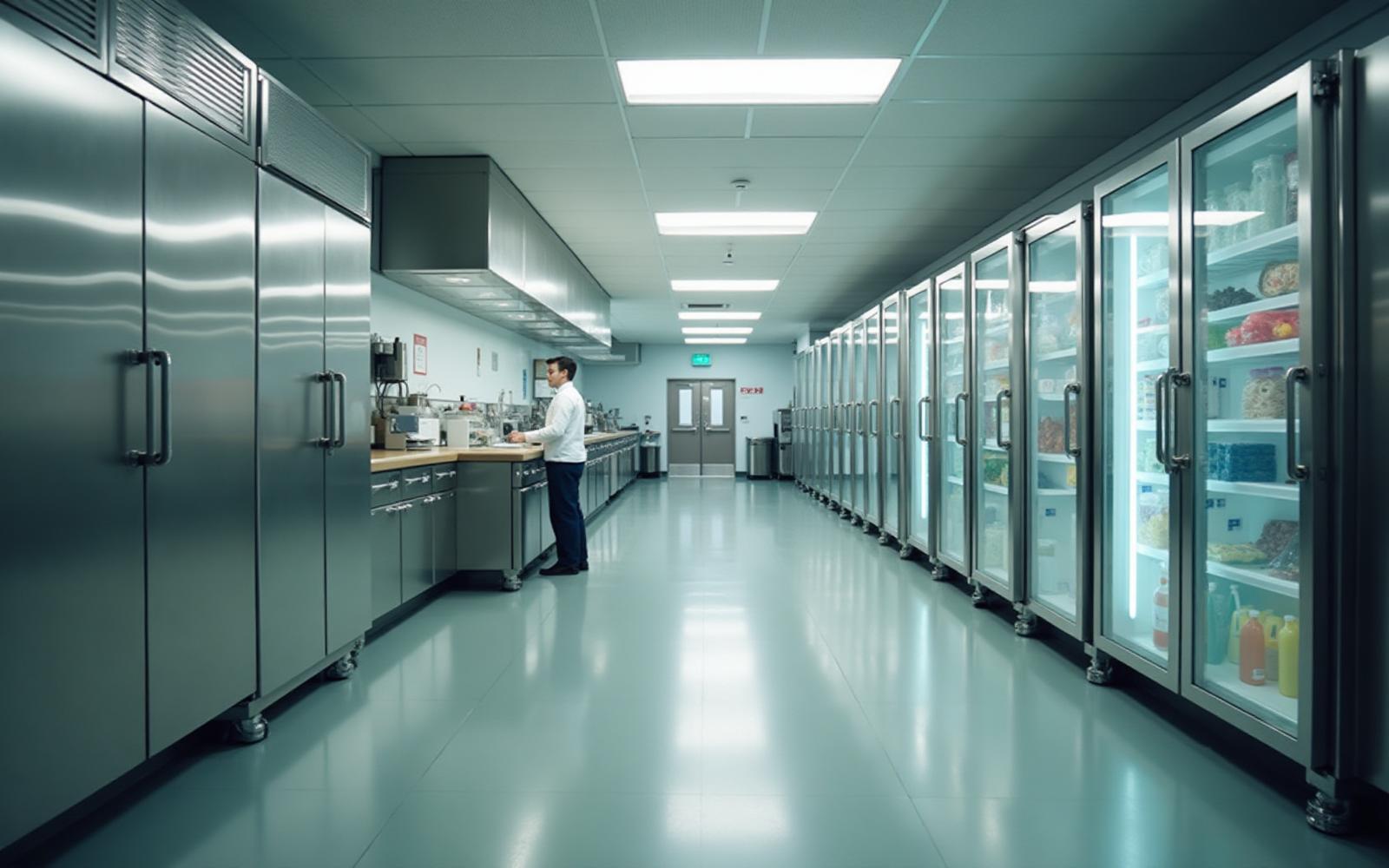
From walk-ins and milk coolers to serving-line refrigeration and central kitchen storage — the temperature-sensitive equipment your students depend on every day.
Trusted by operators and frontline teams across restaurants, pharmacy, senior living, facilities, institutional environments, and food processing.














Logos represent organizations and operators who use Stratosfy. These are not official brand endorsements.
Related features and guides for kitchen teams
What should we discuss before getting started?
Use a demo to review your equipment, network requirements and the people who respond to alerts. Agree the scope before planning a rollout.
Equipment List
List the coolers, freezers and refrigerated storage areas you want to monitor in each kitchen.
Network and Setup
Discuss sensor placement and gateway connectivity for your buildings before agreeing the setup.
Response Team
Identify the staff who check equipment, the managers who follow up and your existing food-safety procedures.
Rollout
Agree which kitchens and units to include and how district or campus leaders will review them.
Frequently Asked Questions
Practical answers for foodservice directors and campus dining leaders.