Commercial Cleaning Operations with OperaSense
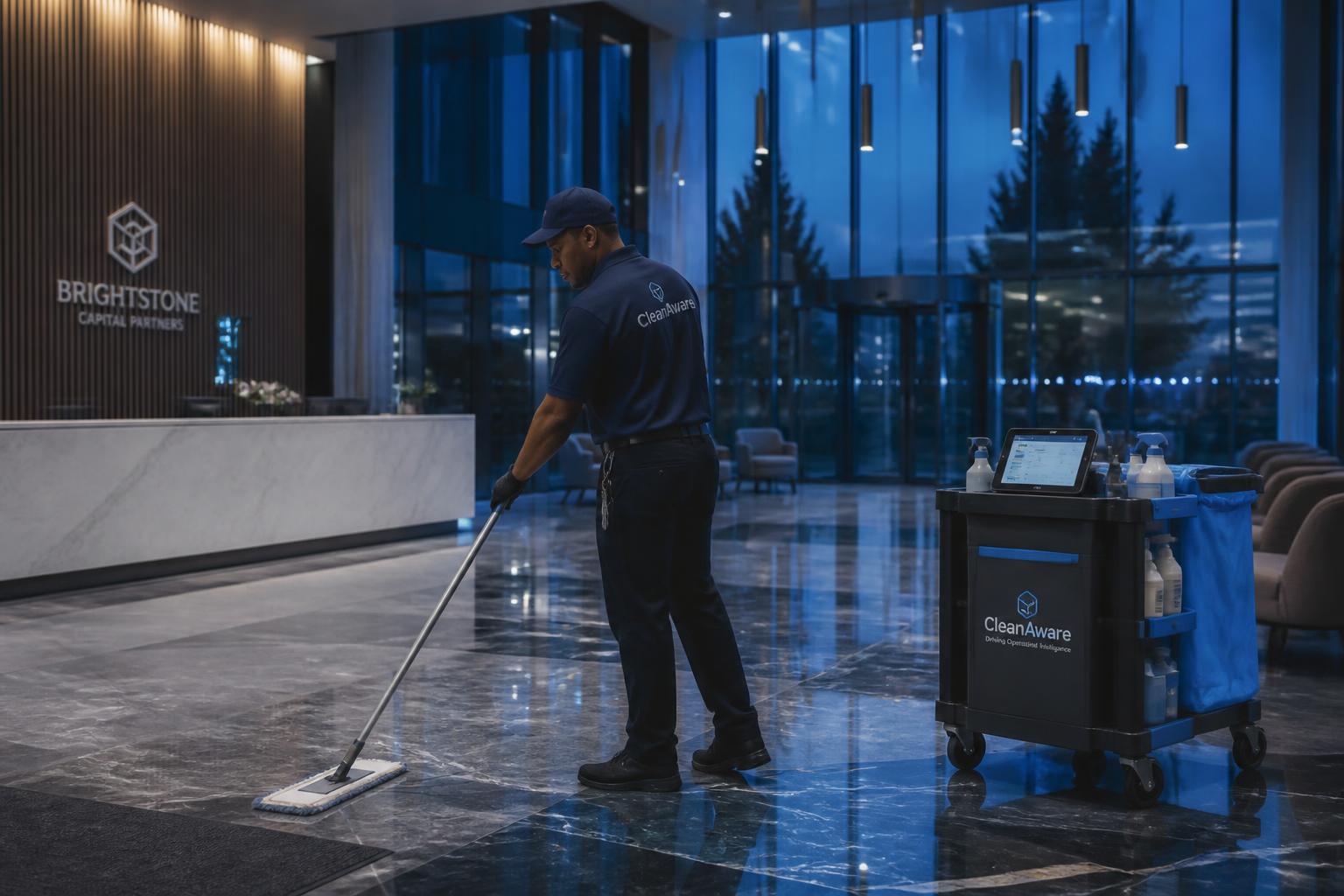
OperaSense helps commercial cleaning contractors, building service companies and in-house janitorial teams manage schedules, confirm crew presence and document cleaning work. Supervisors review attendance, tasks and service evidence; crews use the mobile app or JoJo to carry out assigned work.
A sign-in sheet can show an arrival without showing which areas were serviced or what work was completed. OperaSense connects BLE and GPS presence context with crew assignments, task outcomes and required photos or videos, so managers have evidence to review when a shift or service issue needs attention.
Presence is not proof of cleaning quality: BLE proximity supports presence at configured service areas; GPS supports site-level presence. Use task evidence and inspections to assess the cleaning itself, rather than treating a location signal as proof that the work met the contract.
How do managers see who was on site?
BLE proximity sensors and the crew app provide presence context at configured service areas. OperaSense combines this with schedules and attendance records so managers can check who was assigned, who was present and which work needs follow-up.
From the Customer Contract to Verified Frontline Execution
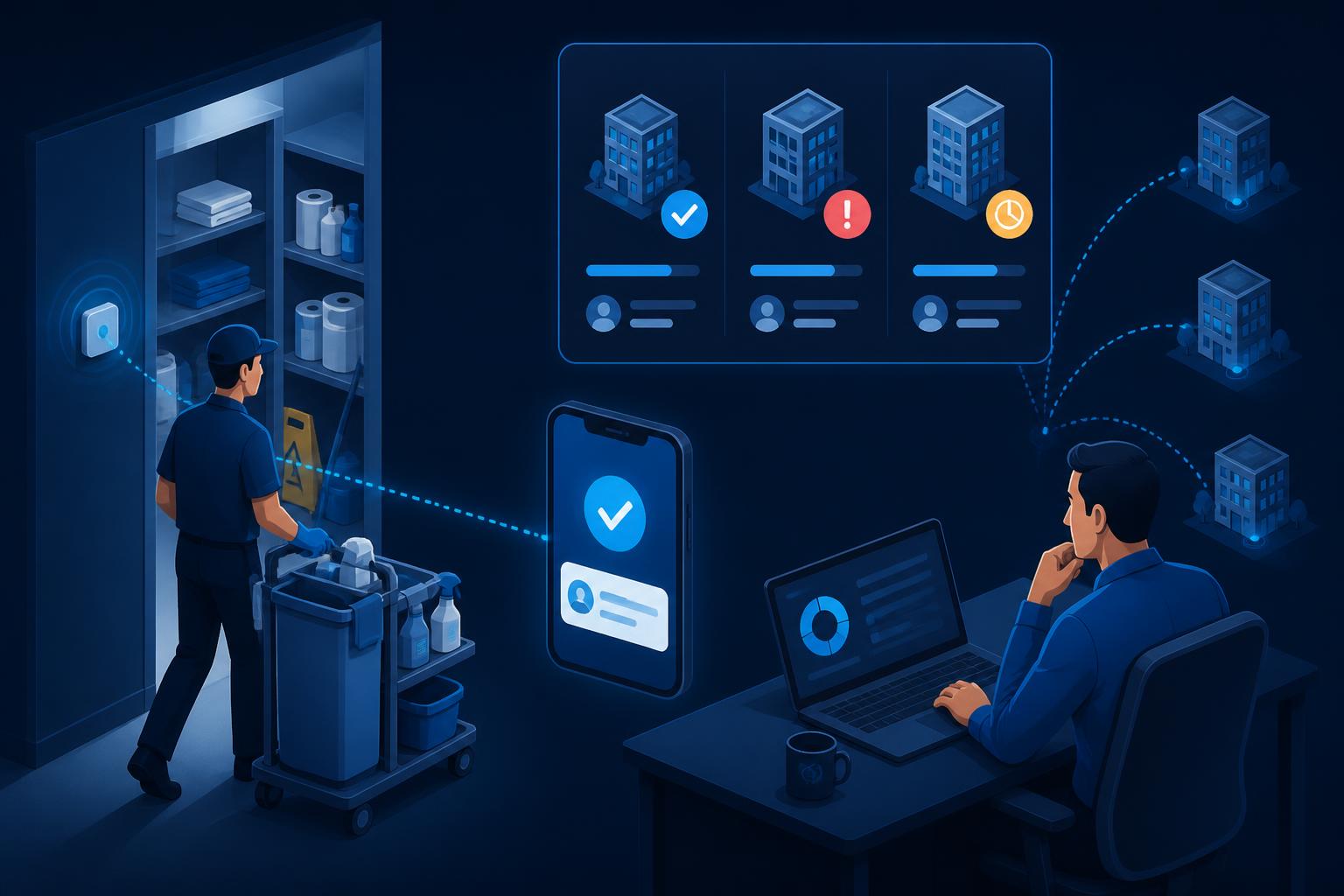
Upload a customer contract for AI-assisted extraction, then have a manager review the requirements. Schedule the work, assign crews and review their task outcomes and evidence against that plan.
Customer contract
Upload the contract. AI extracts requirements for manager review.
Manager schedules
Approve the plan, create schedules and assign work to crews.
Sensors at the building
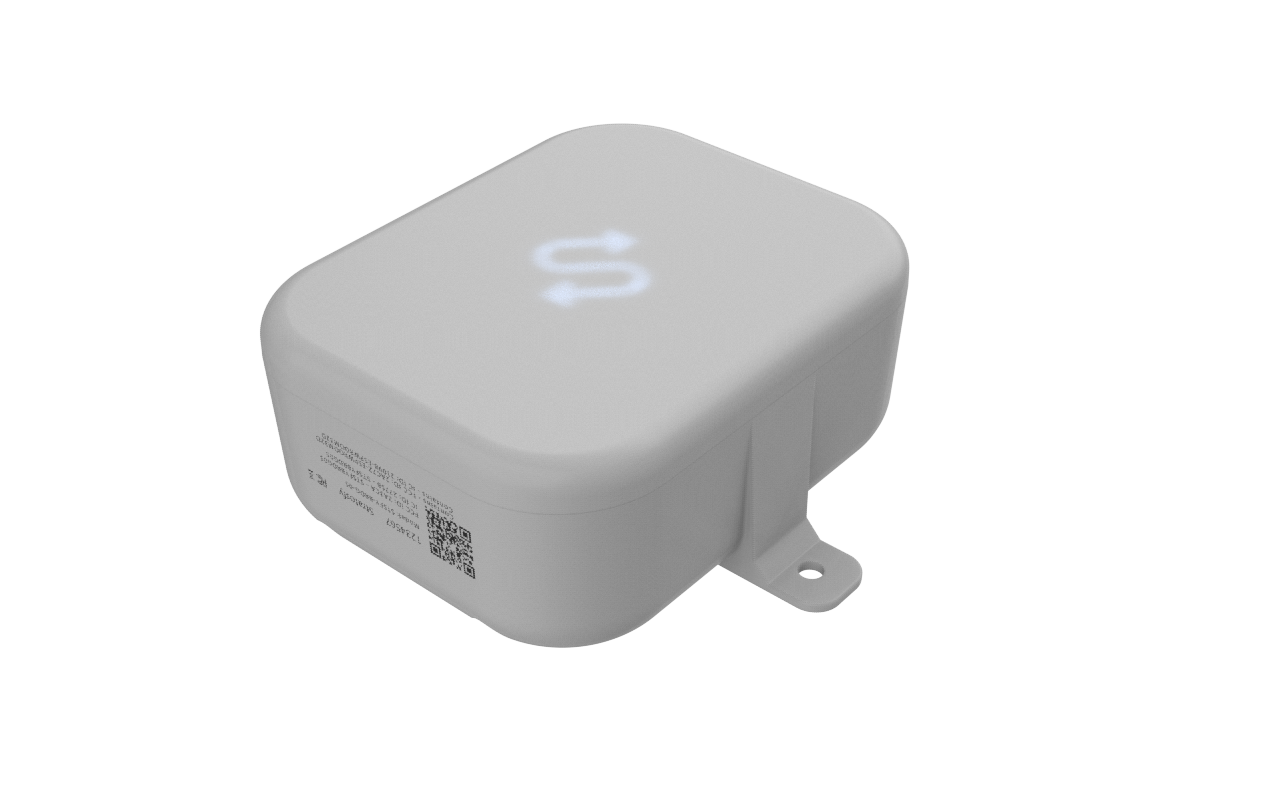
Install BLE sensors at configured service areas; use GPS for site-level presence.
Crews execute the work
Use the mobile app or JoJo for attendance, tasks and work orders, online or offline.
Capture service evidence
Record outcomes and required photos or videos against the work performed.
Managers and customers
Review service history, coordinate requests and prepare customer reports.
Designed for Janitorial & Building Service Operators
Contractors and in-house teams can connect building schedules, crew activity and service records across locations.
What can crews and managers review?
Review presence, attendance and service evidence together when checking a shift or responding to a customer question.
Presence at service areas
Review BLE proximity and GPS presence alongside scheduled shifts. Presence shows where a crew was; it does not alone prove the quality of a clean.
Shift and attendance records
Review clock-in/out, breaks and timesheets when checking crew attendance and hours.
Evidence of work
Review task outcomes and required photos or videos against the assigned cleaning work.
Visibility across buildings
Review locations, service areas, crew activity and work orders in OperaSense.
Why are sign-in sheets not enough?
When attendance, instructions and cleaning evidence are kept separately, managers have to piece them together to answer a service question.
Current State
- Attendance recorded separately from the cleaning schedule
- Phone calls to check who is on site
- Instructions scattered across messages and paper lists
- Complaints without task evidence to review
With OperaSense
- Schedules, assignments and attendance in one workflow
- BLE service-area and GPS site-level presence context
- Task lists and visual instructions for crews
- Task outcomes, photos and videos linked to the work
How do presence, tasks and alerts help a cleaning team?
Presence verification, service records, and alerting — built for multi-building janitorial operations.
Who was at the scheduled service area?
OperaSense monitors presence using BLE signals at configured service areas and GPS at site level, detects no-shows against scheduled work, and alerts managers to review coverage.
- BLE micro-location presence
- GPS site-level presence
- Attendance and break recording

What is happening across your buildings?
Review crew activity, shifts and tasks across locations. Use the building and service-area context to decide where to follow up.
- Multi-site shifts
- Crew assignments
- Timesheets and activity history

What should a manager do about a no-show?
Review the scheduled shift and presence information, contact the crew and arrange replacement coverage when needed. A no-show alert prompts a human response; it does not automatically resolve the gap.
- No-show alerts
- Replacement coverage
- Team chat and announcements

How do cleaners record the work?
Crews use the mobile app or JoJo Crew voice workflows for attendance, service delivery and work orders. Task lists and visual instructions show what is expected; required photos or videos document the work.
- Mobile and voice workflows
- Task lists and visual instructions
- Photo/video service evidence

How are crews and managers connected?
From the cleaner's route to the area manager's dashboard — one connected platform across every building.

From presence signals to a manager’s response
Sensor → Crew app → Platform → Alert → Response. Presence context helps managers check coverage; task evidence helps them review the work.
BLE proximity sensors provide presence context at configured service areas; GPS supports site-level presence.
The crew app supports presence capture, attendance and task workflows, connecting the cleaner’s activity with the assigned work.
OperaSense brings schedules, crew assignments, presence, tasks and service evidence into the same operational context.
No-show alerts draw a manager's attention to scheduled work that needs a coverage check.
The manager checks the shift, contacts the crew, arranges coverage and follows up on the assigned work and evidence.
What should staff do when work needs attention?
- 1.Check the building, service area, shift and crew assignment involved.
- 2.Review attendance, presence and task evidence before drawing a conclusion.
- 3.Contact the crew through team chat to clarify the situation.
- 4.Arrange replacement coverage or assign a work order or corrective action as needed.
- 5.Review completion evidence and inspection results against your customer's requirements.
Explore related workflows and guidance
- Workforce presence and attendance
- Service tasks and proof of delivery
- Frontline team coordination
- How proximity-based presence works
- Time-stamped operational records
- Team communication and JoJo
- Separate refrigeration monitoring for hospitality facilities
- Refrigeration monitoring guide for facilities with coolers and freezers
Designed for Multi-Building Janitorial Operations
Different buildings can have different schedules, service areas and customer requirements.
OperaSense brings locations, assignments, activity history and evidence into one platform. Managers can review a building or service area before deciding what follow-up is needed.
- Locations and configured service areas
- Schedules and crew assignments
- Multi-site shifts and attendance history
- Task outcomes and service evidence
- Customer portal and service reports
What evidence can you review with a customer?
Review service-area timelines, crew participation, task outcomes and required photo/video evidence when discussing the work delivered.
- Paper sign-in sheets
- Phone-call confirmations
- He-said / she-said disputes
- Missing service records
- Automatic presence verification
- Timestamped service records
- Task outcomes and photo/video evidence
- Consistent documentation
Built for the Buildings You Already Service
Discuss your buildings and service areas with Stratosfy to confirm the workflow and device requirements for your sites.
How Jani-King Uses Stratosfy Across Their Buildings
Watch the existing Jani-King customer video for their perspective on Stratosfy.
Trusted by operators and frontline teams across restaurants, pharmacy, senior living, facilities, institutional environments, and food processing.














Logos represent organizations and operators who use Stratosfy. These are not official brand endorsements.
What should you plan before a rollout?
Review the site, devices, crew workflow and customer requirements with Stratosfy before setting a rollout plan.
Hardware Kit
Identify the service areas where BLE presence context is needed and confirm the sensor and crew-device requirements.
Installation
Agree who will configure service areas and install the required devices. Confirm the work and timing for each building.
Training
Review attendance, tasks, evidence and manager response workflows. Confirm training and support arrangements.
Rollout
Choose the buildings, crew assignments and customer requirements to include in the agreed rollout.
How does JoJo help crews and managers?
JoJo is OperaSense's AI agent for frontline teams. Crews use supported voice actions for their work; managers ask questions about activity in their organization's records.
JoJo Crew: operate through voice
Use voice for the crew workflows available in the mobile app: attendance, service delivery and work-order processing — online and offline.
JoJo Manager: ask about your operations
Ask what is happening across locations, then drill into individual micro-locations. Get operational context from shifts, tasks, service activity and evidence in your organization's records.
Use supported offline crew workflows
Online and offline crew workflows support attendance, service delivery and work-order activity. Review the actions available to your crews in a demonstration.
Support a diverse frontline workforce
Multi-language support helps crews navigate their work in a supported language they are comfortable using.
Resolve Work Orders. Keep Customers Informed.
Use work orders to assign immediate or scheduled requests, team chat to clarify the work, and completion evidence to review the response.
Immediate incidents and special cleaning requests
Building managers raise work orders for a lobby spill or additional event cleaning. Assign crews, set priority and immediate or scheduled timing, and track progress. Require completion photos where configured.
Coordinate through team chat
Share text, photos and voice messages between crew members and managers. Resolve access issues, clarify instructions and confirm corrective work. Announcements keep teams informed; conversation history retains context.
Give customers a clear record of delivery
Review task outcomes, service-area timelines, crew participation, timestamps and photo/video evidence. Use those records to prepare service delivery reports. Timesheets provide shift durations and total hours across a reporting period.
How do teams follow up on cleaning quality?
Use checklists to guide the work, inspections to assess it and corrective actions to follow up on identified gaps. Your team remains responsible for deciding whether the work meets customer requirements.
Checklists: make expectations clear
Use structured checklists to guide recurring cleaning and verification activities. Keep required checks connected to the service context, alongside task lists and proof of service.
Inspections: review the service delivered
Record inspection results to assess completed work against expected standards. Give managers a structured view of service quality alongside crew activity, task outcomes and supporting evidence.
Corrective actions: follow through on gaps
Capture the actions needed when an inspection or reported issue identifies a service gap. Coordinate the response and retain a record of corrective work with the operational history.
Supported Features at a Glance
Manage locations, common areas and micro-locations; contracts, work orders, task lists, shift templates and schedules; incidents, checklists, inspections and corrective actions; reports and users.
Frequently Asked Questions
Practical answers for janitorial supervisors and operations leaders.
Trusted by Commercial Cleaning Operators
Jani-King operators use OperaSense to see crews and work across every client site.
Seeing attendance alongside the shift details helps me understand where coverage needs attention and decide which crew member to contact.
Hacene Djou
Multi-Location Franchisee — Jani-King Franchise Operator
The crew instructions and site records give me a clear place to look when I need to understand the work assigned at a location.
Omar Farid
Franchisee — Jani-King Franchise Operator
Looking at a work order alongside its inspection entries and attached evidence helps me understand what has been documented for that job.
Dender
Multi-Location Franchisee — Jani-King Franchise Operator